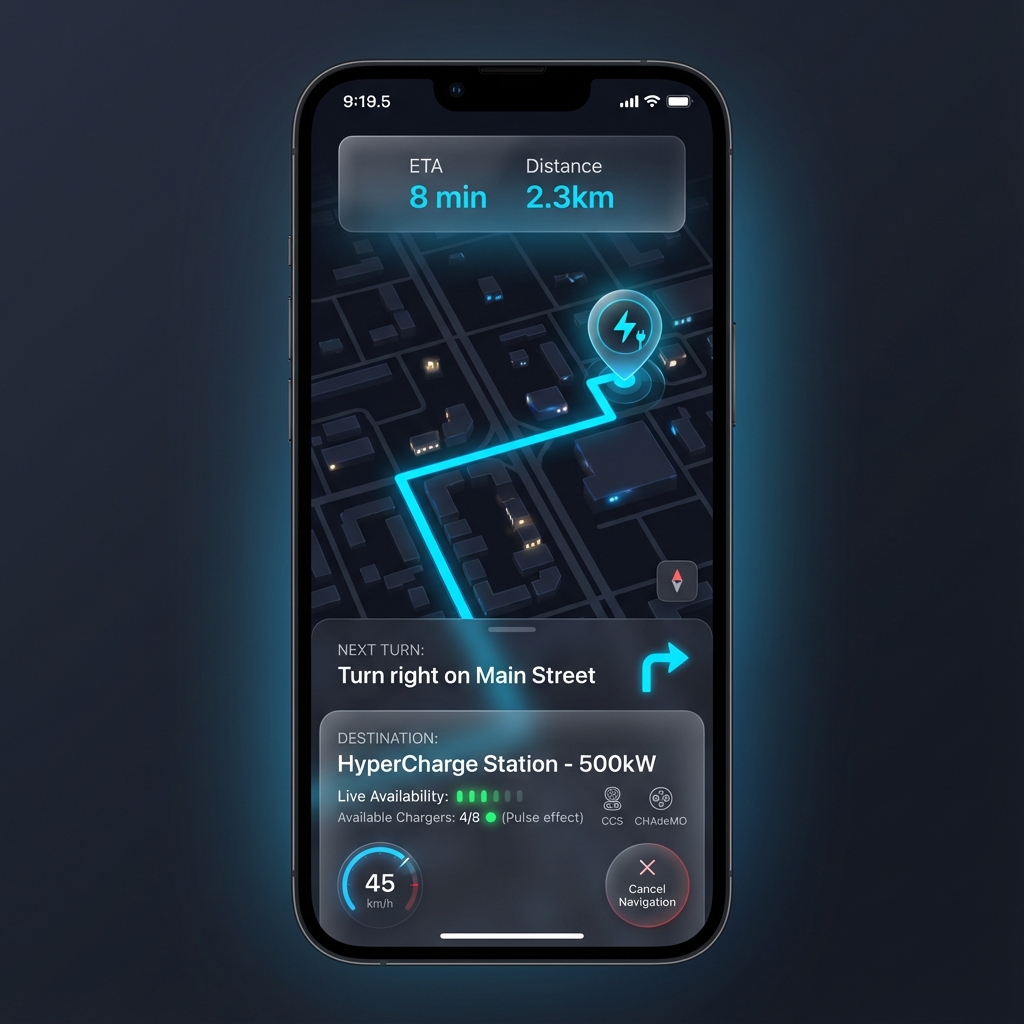
A modern electric vehicle charging station finder application with real-time sensor integration and intelligent navigation.
Ideal Charge connects drivers with charging stations through an intuitive interface, real-time availability data from ESP32 sensors, and seamless navigation.
Live charger availability powered by ESP32 sensors ensures accurate, up-to-the-second information.
Turn-by-turn directions guide drivers to their selected charging station efficiently.
Filter stations by charger type, availability, distance, and charging speed preferences.
ESP32 microcontrollers provide sensor data through REST API endpoints.
A cohesive visual language across all screens with dark theme aesthetics and electric blue accents.
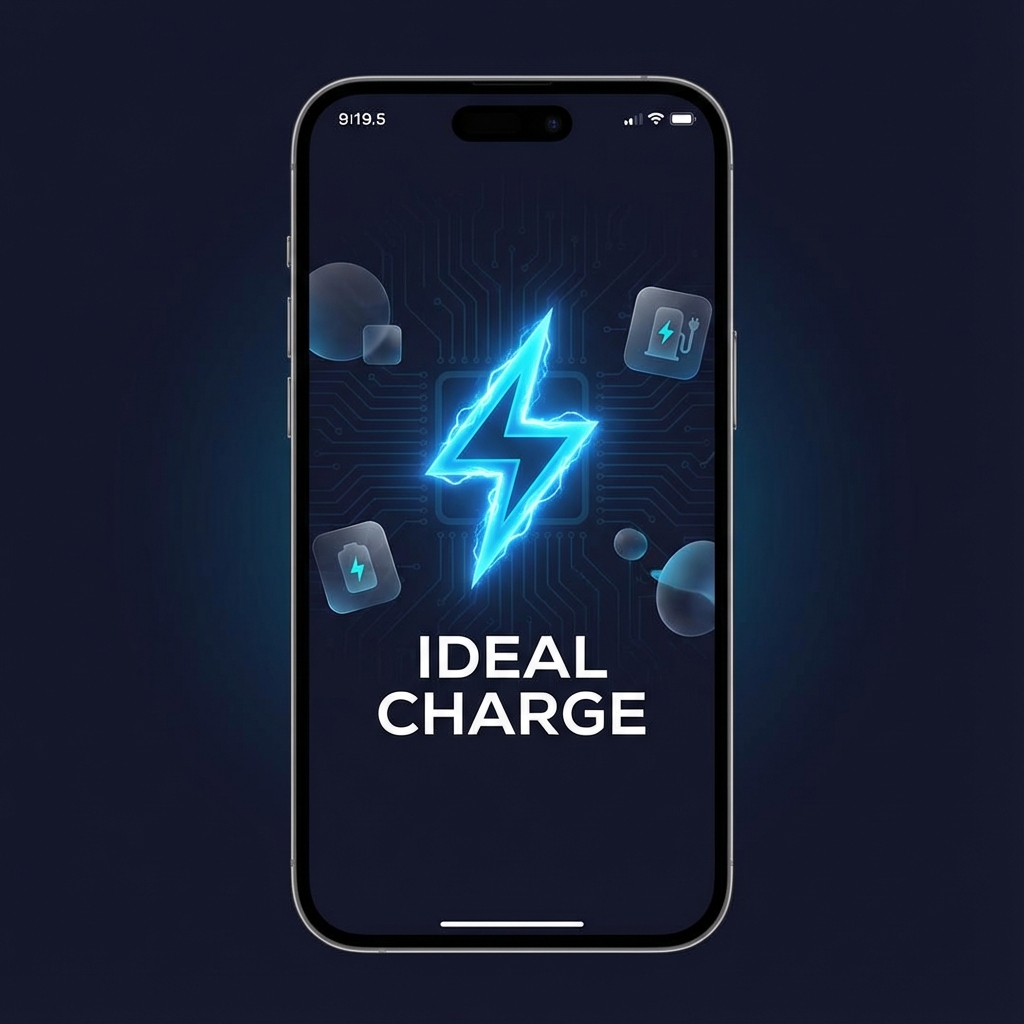
The welcome experience featuring the Ideal Charge branding with an electric lightning bolt logo, circuit board patterns, and a futuristic glow effect. Sets the premium tone for the entire application.
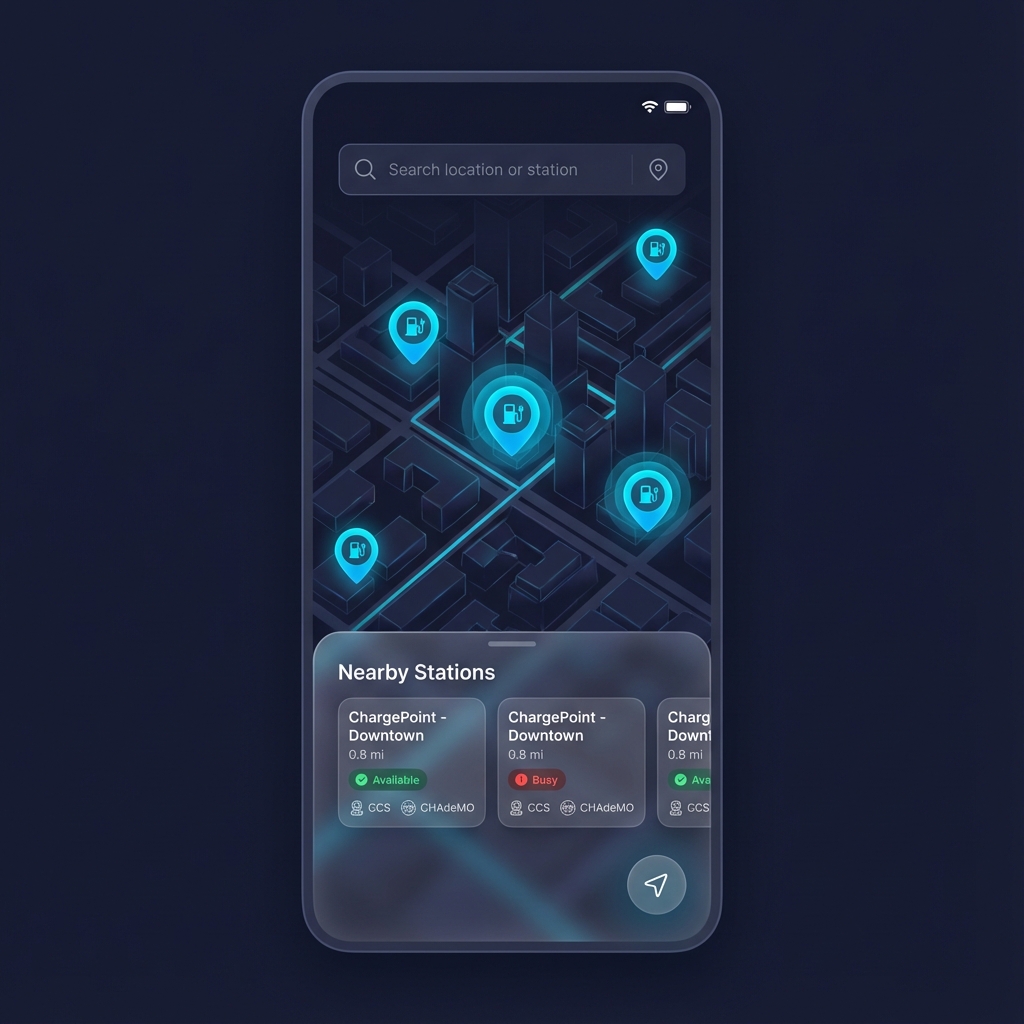
The primary interface displaying an interactive map with charging station markers. A bottom sheet reveals nearby stations with real-time availability indicators powered by ESP32 sensors.
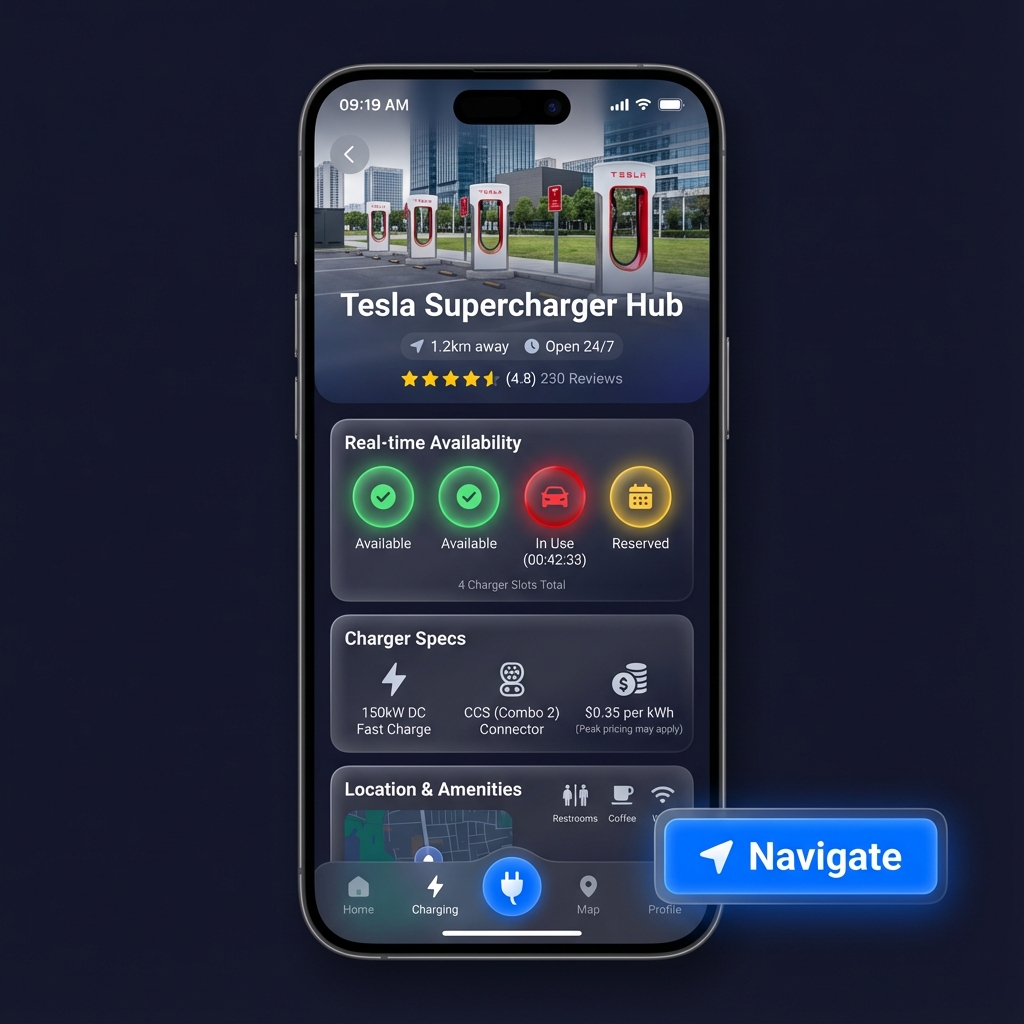
Comprehensive station information featuring a **live location map** and real-time charger availability. Displays charging speed, connector types, pricing, and provides one-tap navigation access with deep-linking to system maps.
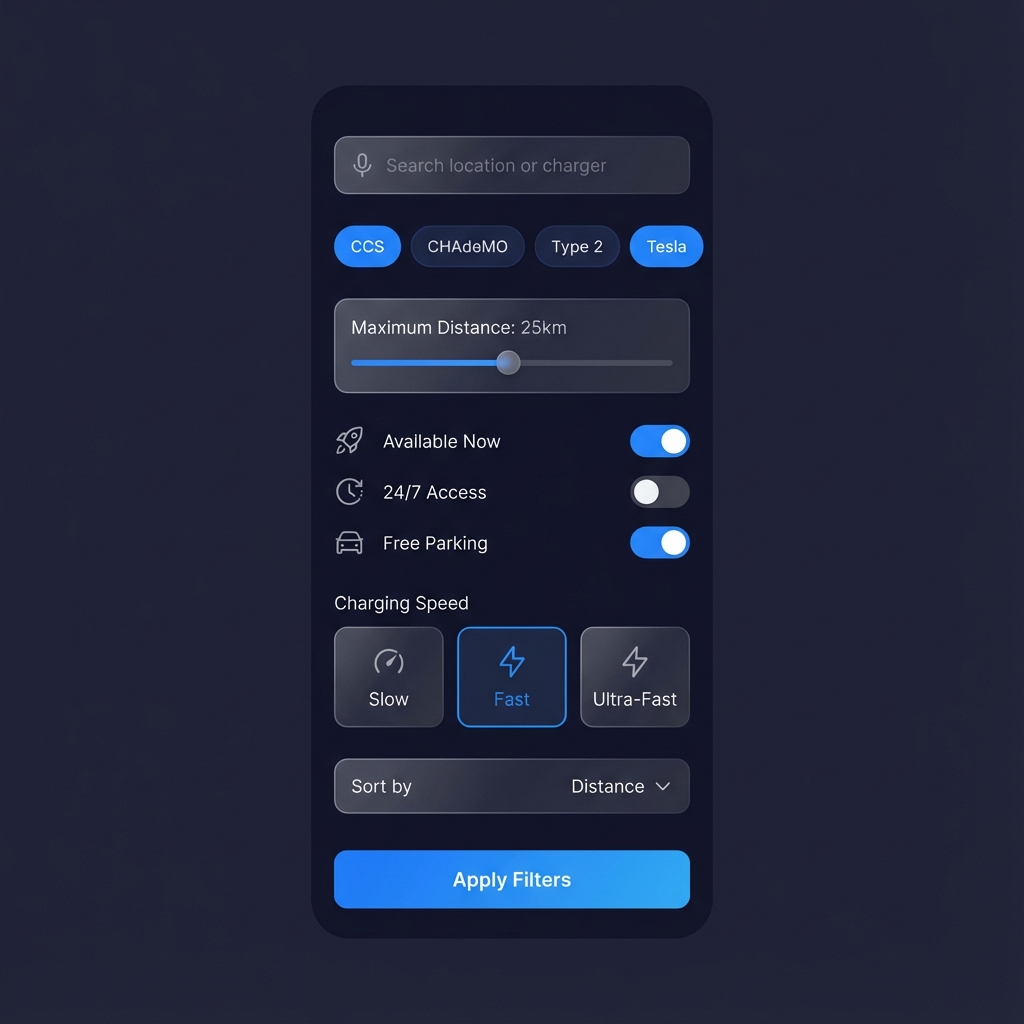
Advanced filtering options allow users to narrow down stations by charger type, maximum distance, availability status, and charging speed to find the perfect match quickly.
Turn-by-turn navigation with a dark-themed map, route visualization, and live updates showing destination charger availability. Includes ETA, distance, and next turn instructions.
Each feature is designed around real user needs for electric vehicle drivers.
As an electric car driver, I want to see the nearest charging stations on a map, so that I can reach a station quickly when my battery is low.
CoreAs an electric car driver, I want to know whether chargers are available or busy in real time, so that I do not waste time going to a full station.
SensorsAs an electric car driver, I want to view station details including number of chargers, type, speed, and availability to choose the most suitable station.
CoreAs an electric car driver, I want to get directions to the selected charging station, so that I can arrive easily and efficiently.
CoreAs an electric car driver, I want the charger status to update automatically using sensors, so that the information is always accurate.
SensorsAs an electric car driver, I want to filter stations by availability, charger type, or distance to find what fits my needs faster.
OptionalAs a system admin, I want sensors to update charger status automatically, so that users always see real-time availability.
AdminA robust technical foundation combining mobile development with IoT integration.
A guide for developers to understand the project structure, setup, and core functionality.
The app uses a Feature-First architecture for scalability. Data flows from Services (API/Firebase) -> Providers (State) -> UI (Screens/Widgets).
Powered by the Provider package for reactive state:
main.dart for
app-wide access.Secure login flow using Firebase Auth:
Multi-provider map experience using **Google Maps SDK** and **FlutterMap**:
onSnapshot listeners fetch live updates from
Firestore.Bridging hardware and software with ESP32:
Ensure reliability with Flutter Test:
Build and release for production:
Quick start for new developers:
flutterfire configure to sync your project.firebase_options.dart to lib/.flutter pub get to install dependencies.Structure of the JSON payload sent by ESP32 sensors to the Firestore backend.
{
"stationId": "station_001",
"minerals": {
"slot_1": {
"available": true,
"lastUpdated": "2026-01-29T10:30:00Z"
},
"slot_2": {
"available": false,
"occupantId": "user_xyz",
"startTime": "2026-01-29T09:15:00Z"
}
},
"metadata": {
"voltage": 220,
"current": 32,
"temperature": 45.5
}
}
Ensure your API key in android/app/src/main/AndroidManifest.xml has the
Maps SDK for Android enabled in Google Cloud Console. Restricted keys
must include the package name SHA-1 fingerprint.
Check your Firestore Security Rules. During development, you can use allow read/write for testing, but properly secure it before production:
allow read, write: if request.auth != null;
Verify that the ESP32 is connected to a 2.4GHz WiFi network. 5GHz networks are not supported. Check the serial monitor for IP allocation logs.
Tracking progress and milestones from initial concept to deployment.
Requirements analysis and wireframing.
High-fidelity mockups & design system.
Flutter setup and Firebase integration.
Navigation and station markers.
ESP32 real-time sensor sync.
Final testing and project delivery.